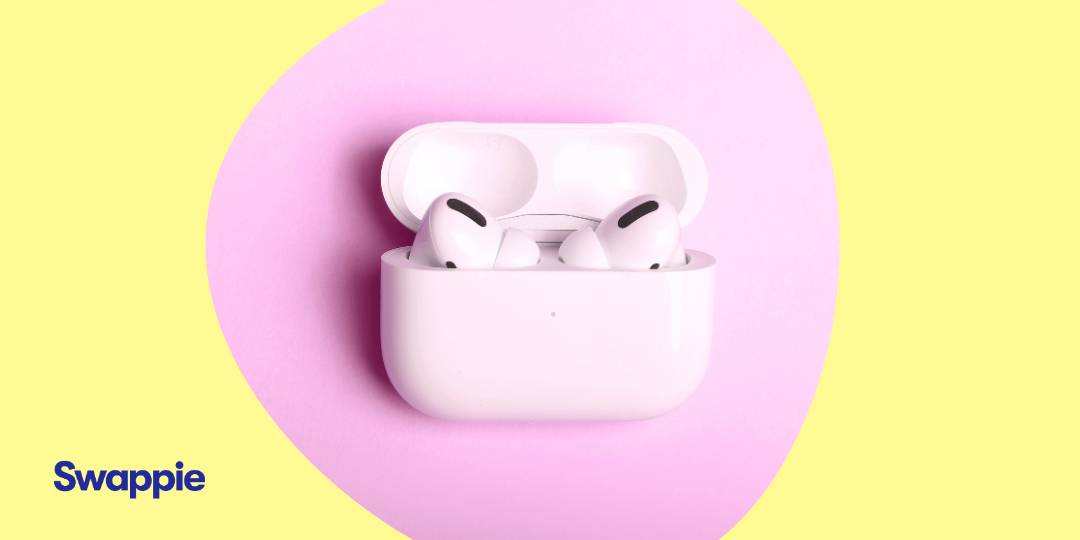
At Swappie, we care about making great tech accessible to all. We know that when you’re looking to upgrade your audio game, you want the best experience without the “new” price tag or the risks associated with navigating the second-hand marketplace. We’ve scoured the internet for the most common questions to help you get the most out of your AirPods.
How do I reset AirPods (1st, 2nd, 3rd Gen) and AirPods Pro?
A factory reset is the best way to solve software glitches or pairing issues. At Swappie, every set of AirPods is factory reset before shipment, but if you need to do it again:
- Place your AirPods in the charging case and close the lid for 30 seconds
- Open the lid. On your iPhone, navigate to Settings > Bluetooth, tap the (i) icon next to your AirPods, and select Forget This Device
- With the lid open, press and hold the setup button on the back of the case for about 15 seconds
- Wait for the status light to flash amber, then white.
How do I reset AirPods 4?
The AirPods 4 feature a capacitive touch interface instead of a physical button, so the reset process is a little bit different.
- Place the AirPods in the case and open the lid
- Double-tap the front of the case (near the status light) three times in quick succession
- The light will flash amber and then white to confirm the reset is complete.
How do I pair AirPods with my iPhone?
Apple’s proximity pairing makes the initial setup effortless.
- Unlock your iPhone and open the AirPods case nearby
- Wait for the setup animation to appear on your screen
- Tap Connect.
This will automatically pair them with all other devices signed into your iCloud account.
How do I connect AirPods to a second iPhone?
The method depends on whether the device shares your Apple ID.
- On your own devices: Simply play audio on the second iPhone; the H1/H2 chip should switch the connection automatically
- On a friend’s device: Open the case nearby and tap Connect when the “Not Your AirPods” notification appears
- Follow the prompt to hold the setup button on the back of your case to verify the connection.
How do I connect AirPods to a Mac or PC?
On Mac: If already paired with your iPhone, select the Volume icon or Bluetooth menu and choose your AirPods
- On Windows: Put the AirPods in pairing mode (hold the setup button until the light flashes white)
- Navigate to Settings > Bluetooth & Devices > Add Device and select them from the list.
How do I disconnect or unpair AirPods from a device?
If you are preparing to return or sell your device, you must remove the connection entirely.
- iOS: Go to Settings > Bluetooth, tap the (i), and select Forget This Device
- Activation Lock: To fully clear the device, open the Find My app, select your AirPods, and tap Remove This Device. This ensures the AirPods are no longer tied to your Apple ID.
How do I use AirPods with an Android phone?
AirPods can also function as high-quality Bluetooth headphones for Android devices.
- Put the AirPods in pairing mode (white flashing light)
- Select them in your phone’s Bluetooth settings.
Note: While you’ll still have functions like Active Noise Cancellation (ANC) and Transparency mode, other Apple features like “Hey Siri” are not natively supported.
How do I use AirPods with a PS5?
The PS5 does not support Bluetooth audio natively for low-latency gaming.
- Plug a USB Bluetooth Adapter (dongle) into your console
- Put both the adapter and your AirPods into pairing mode to establish the link.
What should I do if my AirPods won’t connect?
Connection issues are often hardware or firmware related.
- Check for debris: Use a dry cotton bud to clean the charging contacts at the bottom of the stems and inside the case
- Check for updates: Ensure your iPhone is running the latest iOS; AirPods update automatically when charging near a paired iPhone
- Perform a reset: Follow the factory reset steps mentioned above to clear any software lags.
How can I find my lost AirPods?
Open the Find My app to view their last known location on a map
- Use the Play Sound command to trigger a high-pitched tone from the earbuds
- Precision Finding: If you have AirPods Pro (2nd Gen), your iPhone can provide directional arrows and distance markers to lead you directly to the case.
How long does the battery last?
AirPods Pro (2nd Gen): These offer up to six hours of listening time on a single charge with ANC enabled
- With the Case: You get a total of up to 30 hours of listening time
- Fast Charging: A quick five-minute charge in the case provides approximately one hour of listening time.
Why choose refurbished AirPods from Swappie? Choosing tech handled by the experts is the smarter way to access premium audio.
- Expertly tested: Every pair undergoes rigorous quality verification to ensure internal hardware maintains factory-grade frequency accuracy
- Risk-free: Your purchase is covered by a 30-day free return policy and the Swappie 12-month warranty.